


ADDER CCS4-USB
DISCONTINUED - This product is no longer manufactured
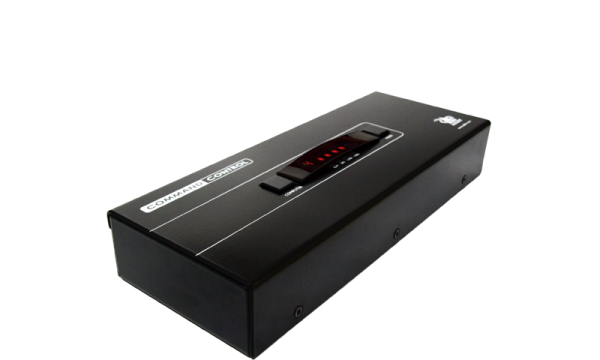
Overview
This product has been replaced by a newer version, we recommend the latest version of this product for new projects - see ADDER CCS-Pro4
Continued support on this product is still available to our existing customers, please contact our Support Team or your local Adder Office for more information.
We recommend the CCS-PRO4 or the CCS-PRO8 for new projects.
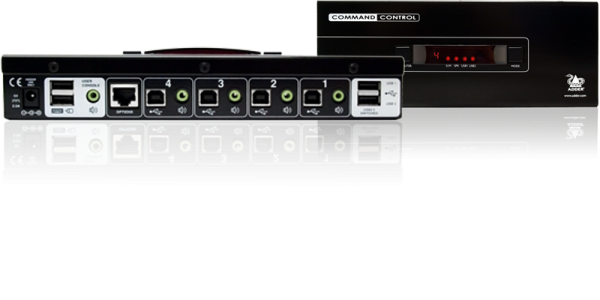
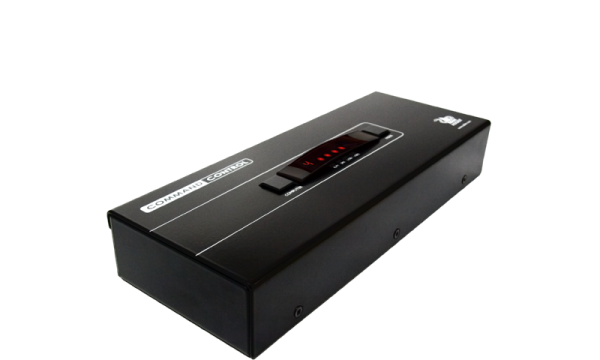
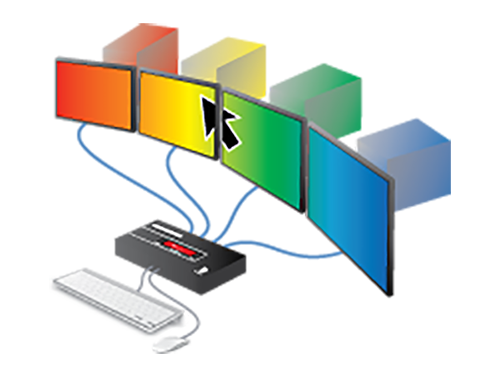
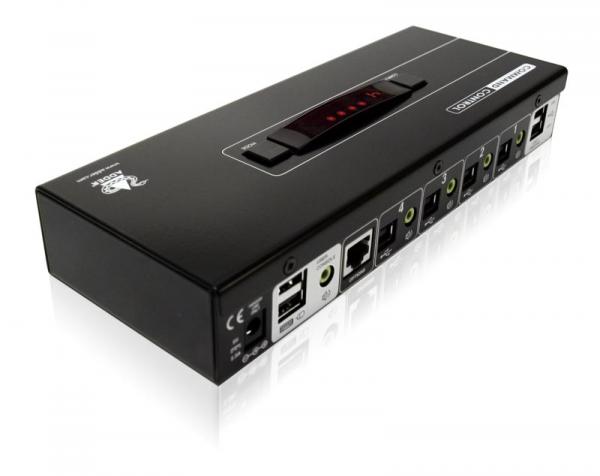
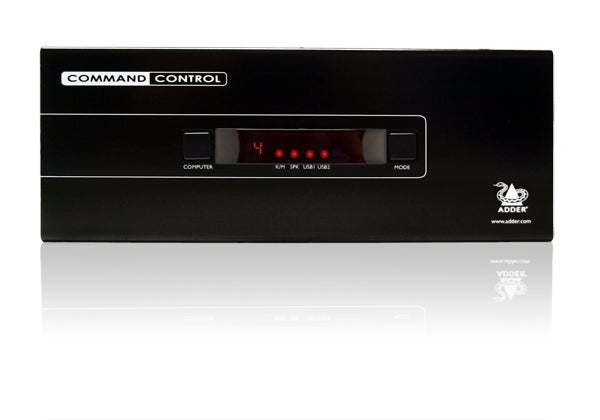
The CCS4-USB enables users to interact with up to 4 computers as if they were an extended desktop using a single keyboard and mouse. Rather than having to use multiple HID devices, operators simply move the cursor across screen boarders to the computer they want to control
Features:
- Seamless switching between computers
- Multiple computers, multiple monitors, single point of input.
- No software required
- Improved desk ergonomics
- Interactive light modules for identification

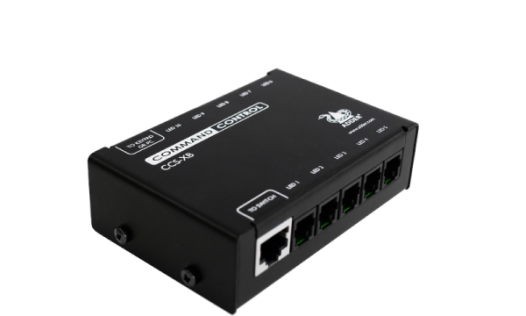
ADDER CCS-XB
The CCS-XB illumination module is an accessory which connects to the CCS4-USB. It gives the users the option to have an LED indicator positioned on each screen to identify which screen you are currently controlling. The colour and intensity can be controlled for each screen. A maximum of 10 illumination indicators can be supported.
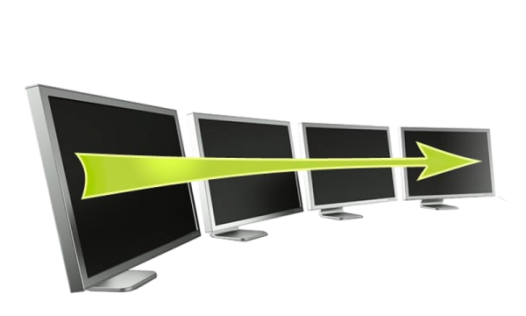
ADDER Free-Flow
The ADDER Free-Flow represents true innovation in KVM switching. For the first time, Free-Flow allows users to automatically switch between target computers simply by moving the mouse pointer from screen to screen. What makes this such a revolution is that you no longer need software to be installed on your mission critical computers in order to work.
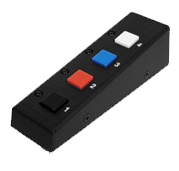
ADDER Remote Control Unit RC4- 8P8C
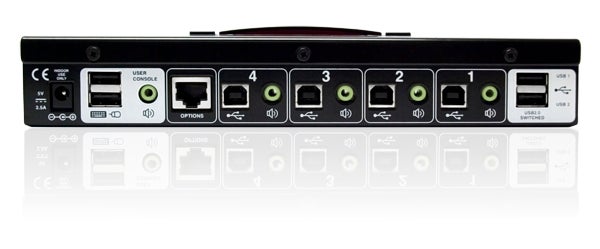
The optional RC4-8P8C remote control unit can be used to provide direct push button access to any channel from your desktop. The RC4-8P8C remote control is supplied with a 10 foot cable that is used to link with the OPTIONS port on the rear panel of the unit.
Product Gallery
Adder products are purchasable through our key technology partners. You can find a partners on our where to buy page.
Where to buyContact
Our team of KVM experts are on hand to help guide you through our extensive range of products, understand how Adder can help your KVM requirements and of course anwser any queries you may have.
Use this form to enquire about Adder's products and services. One of our IP KVM experts will be in touch with you as soon as possible.
If you need technical support, please click here instead